Workplace Experience
Visual collaboration that people actually walk up to and use.
Interactive flat panels, whiteboarding and presentation environments designed for the way teams and classrooms really work together.
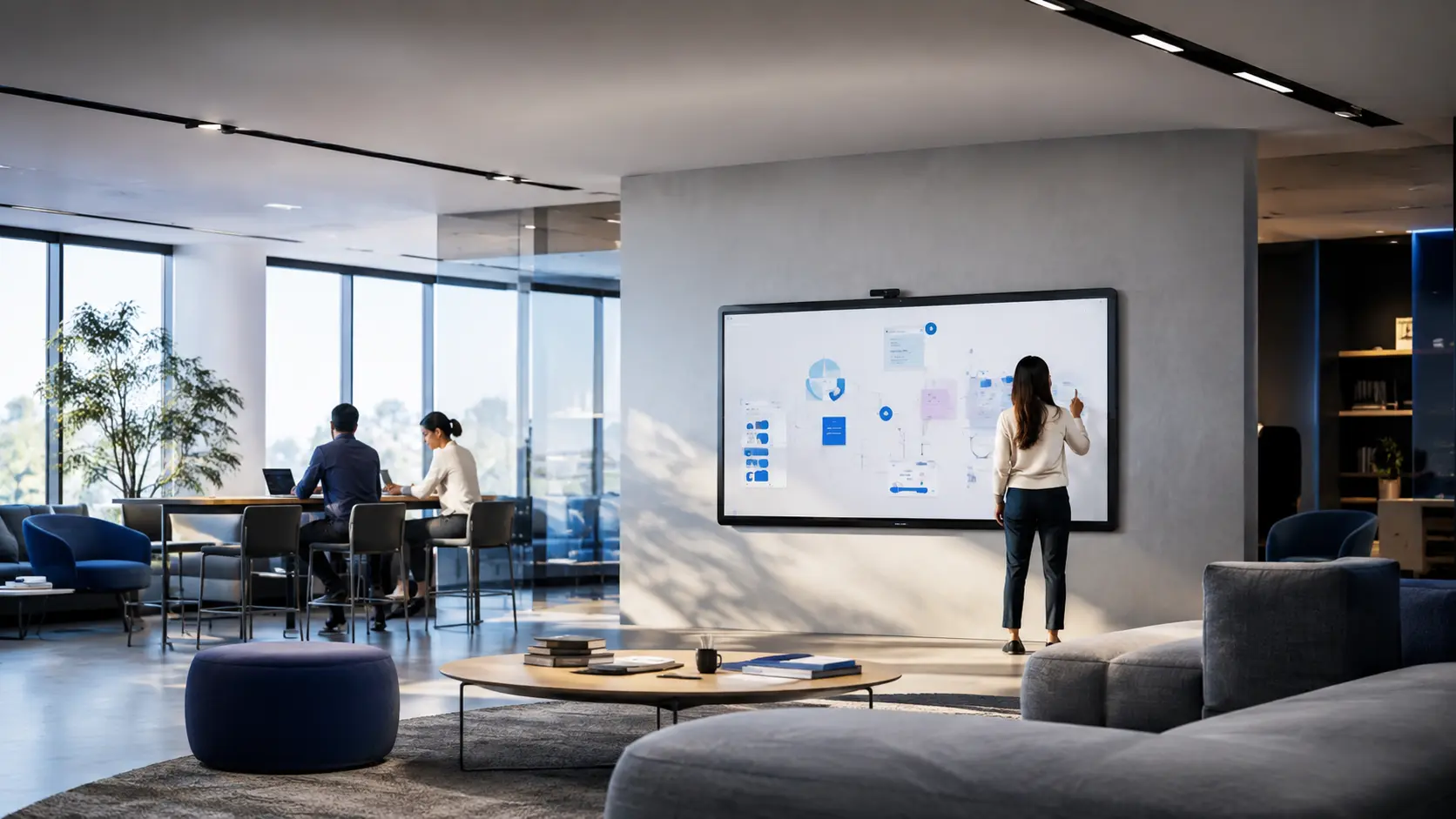
The business problem
An interactive panel on the wall is not an interactive workplace.
Interactive displays are frequently installed without a defined collaboration workflow, mounting strategy or content-sharing standard. They end up used as an expensive projector replacement.
- No agreed way to share, save or continue a session.
- Mounting height and room layout discourage walk-up use.
- Sessions cannot be joined by remote participants.
- Devices are unmanaged and inconsistently configured.
Who it is for
- Education IT teams equipping classrooms and labs
- Innovation, design and product teams
- Training and learning-and-development functions
- Workplace teams designing ideation spaces
Desired outcome
What changes after implementation.
Walk-up usable
Sessions start without a manual or a support call.
Continuity
Work created in the room can be saved and continued afterwards.
Inclusive sessions
Remote participants can see and contribute to the canvas.
Managed fleet
Consistent configuration and update policy across panels.
Solution architecture
The complete system, layer by layer.
Each layer is designed against the one above it, so decisions stay traceable from user requirement to installed infrastructure.
- 01People
Facilitation styles, class sizes and session formats.
- 02Space
Mounting height, viewing angle, lighting and circulation.
- 03Display
Panel size and touch technology matched to the room.
- 04Collaboration
Whiteboarding, annotation and content-sharing workflow.
- 05Audio & video
Camera and audio coverage for hybrid sessions.
- 06Management
Fleet configuration, security and update control.
Technology categories
Technology chosen for the solution — not the other way around.
Relevant technology groups for this environment. Specific platforms are selected during design with your IT and procurement teams.
- Interactive flat panel displays
- Digital whiteboarding software
- Wireless presentation systems
- Mobile and fixed mounting solutions
- Room cameras and audio for hybrid sessions
- Display fleet management
Implementation
From room requirement to reliable operation.
The PTNTI delivery method applied to this solution.
- 01
Discover
Understand users, rooms and requirements.
- 02
Design
Create system architecture.
- 03
Integrate
Coordinate audio, video, display and infrastructure.
- 04
Commission
Configure, test and validate.
- 05
Train
Help administrators and users operate confidently.
- 06
Support
Maintain performance throughout the lifecycle.
Project proof
Delivered in real working environments.
Lifecycle support
Technology remains useful after installation.
- Touch and display calibration checks
- Software and firmware update coordination
- Mount and safety inspection
- Refresher enablement sessions
Procurement and implementation questions
Panel size is derived from the furthest viewing distance and the type of content shown. We size displays during the survey rather than applying a single default.
Related solutions
Start a conversation
Planning a new workplace, meeting room or collaboration environment?
Talk with PTNTI about your users, rooms, technology environment and project requirements.