Interactive Workplace
Interactive Collaboration Environment
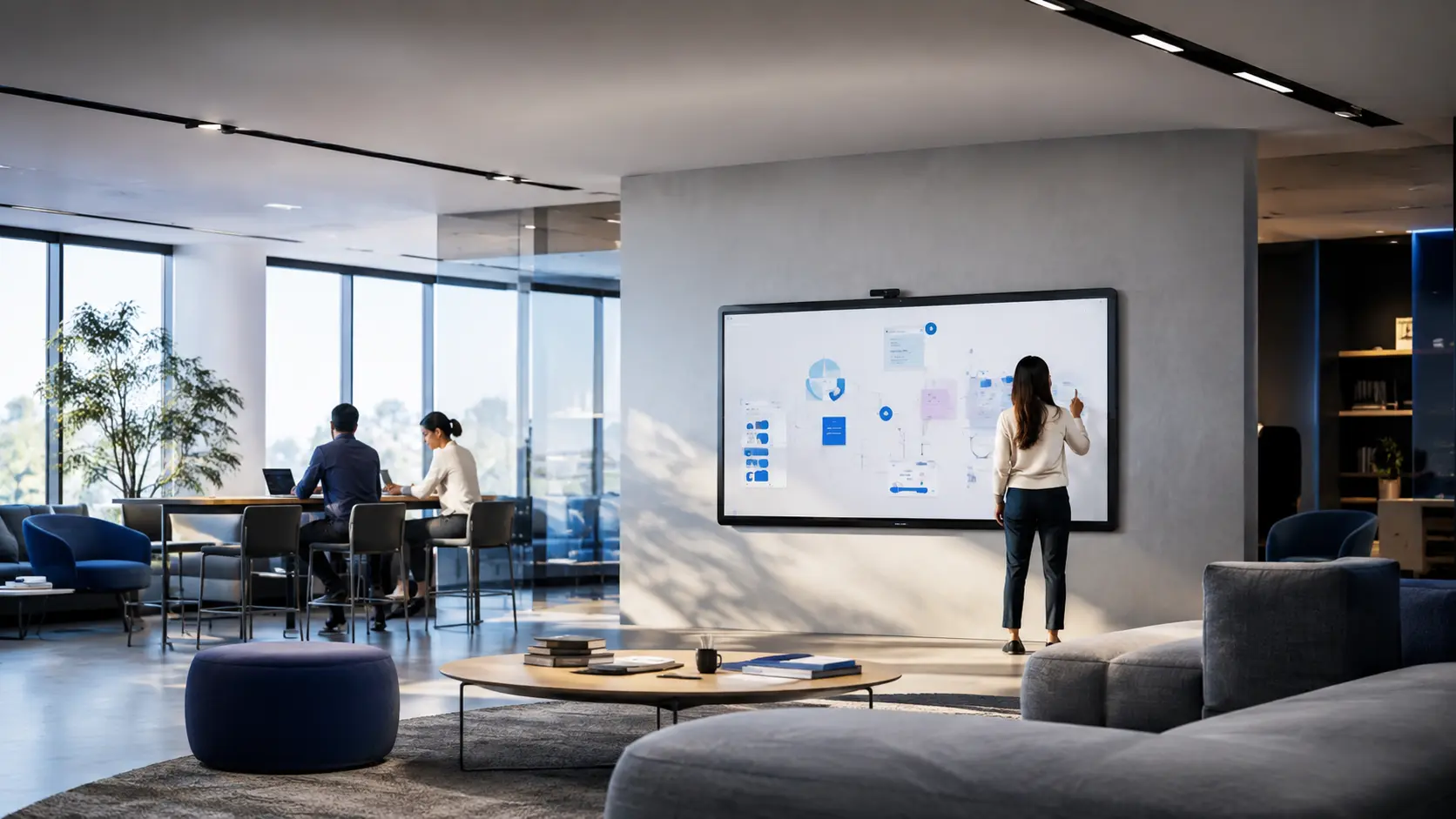
Interactive display and collaboration environment for teaching and workshop formats.
- Client
- Institutional client (name withheld)
- Industry
- Education and training
- Environment
- Learning studios and open collaboration areas
- Deployment approach
- Pilot studio validated with facilitators before wider deployment.
Context
Where the project started.
Teaching and workshop spaces relied on projection and passive screens. Sessions could not easily include remote participants and material created in the room was lost at the end of each session.
Challenges
- Sessions could not continue after the room was vacated
- Remote participants could not see or contribute to the canvas
- Panels would be used by many different facilitators
- Devices needed to be managed centrally and securely
Objectives
- 01Make walk-up interactive collaboration the default
- 02Allow session content to be saved and continued
- 03Include remote participants in workshop formats
- 04Manage the panel fleet consistently
Scope
- Interactive display deployment
- Whiteboarding workflow design
- Hybrid session enablement
- Fleet management setup
- Facilitator enablement
Solution architecture
How the environment was designed.
System components
- Interactive flat panel displays
- Fixed and mobile mounting systems
- Wireless presentation receivers
- Room cameras and audio
- Fleet management platform
- 01People
Facilitator workflows and session formats defined first.
- 02Space
Mounting height, sightlines and circulation reviewed per room.
- 03Display
Panel sizing matched to room depth and content type.
- 04Collaboration
Whiteboarding and content-sharing workflow standard.
- 05Hybrid
Camera and audio coverage for remote participants.
- 06Management
Central configuration, security and update policy.
Implementation
How the work was delivered.
- 01
Discover
Session format workshops with facilitators.
- 02
Design
Panel sizing, mounting and workflow standards.
- 03
Pilot
One studio delivered and reviewed with users.
- 04
Integrate
Rollout to remaining studios and open areas.
- 05
Commission
Calibration and hybrid session testing per room.
- 06
Train
Facilitator enablement and quick-reference material.
Before / after
What changed for users.
Passive projection
Walk-up interactive collaboration
Session content lost
Canvases saved and continued afterwards
In-room participants only
Hybrid sessions with remote contribution
Unmanaged devices
Centrally managed panel fleet
- Higher utilisation of collaboration spaces
- Consistent facilitator experience across rooms
- Central visibility of panel health and configuration
Project gallery
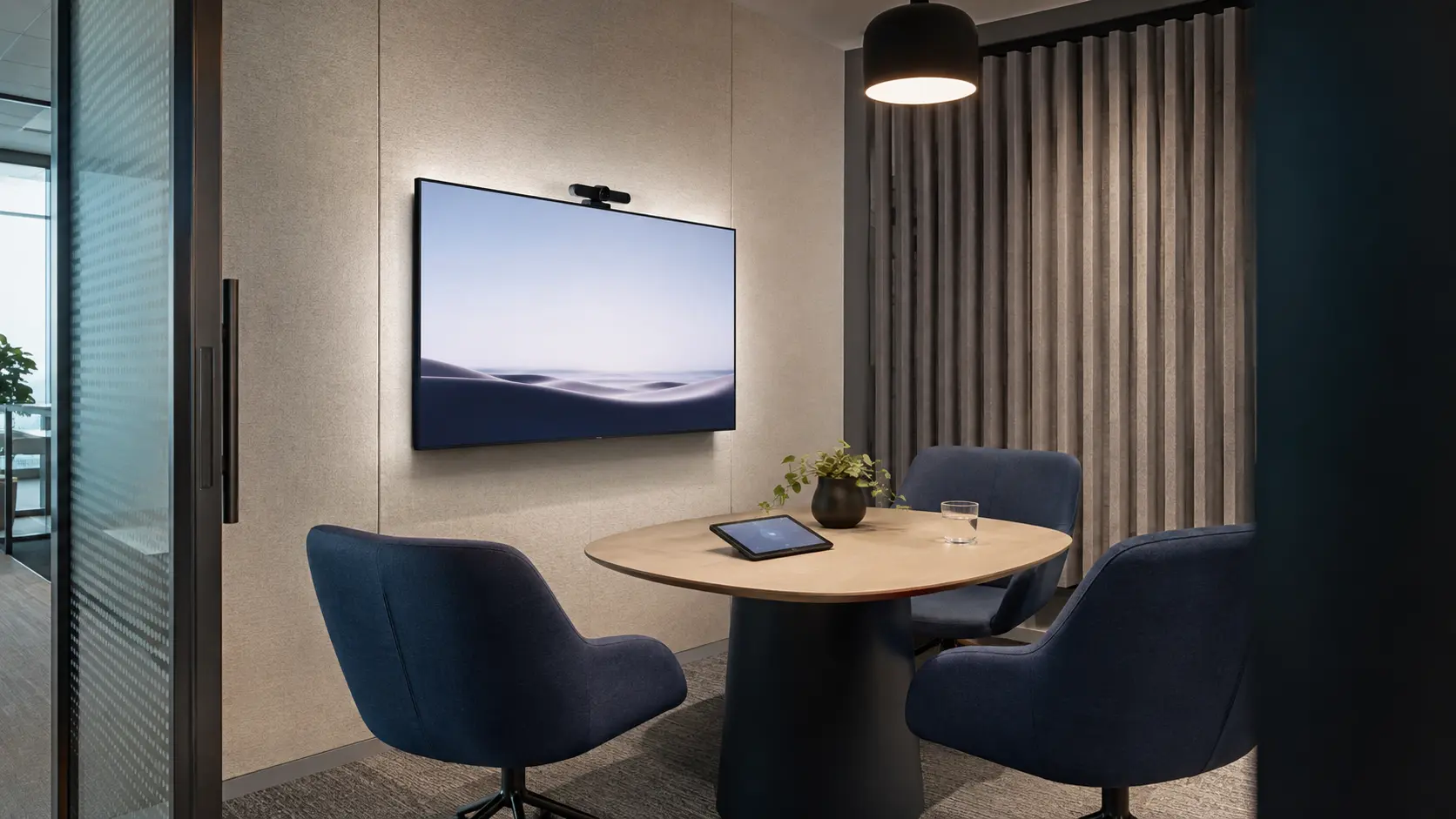
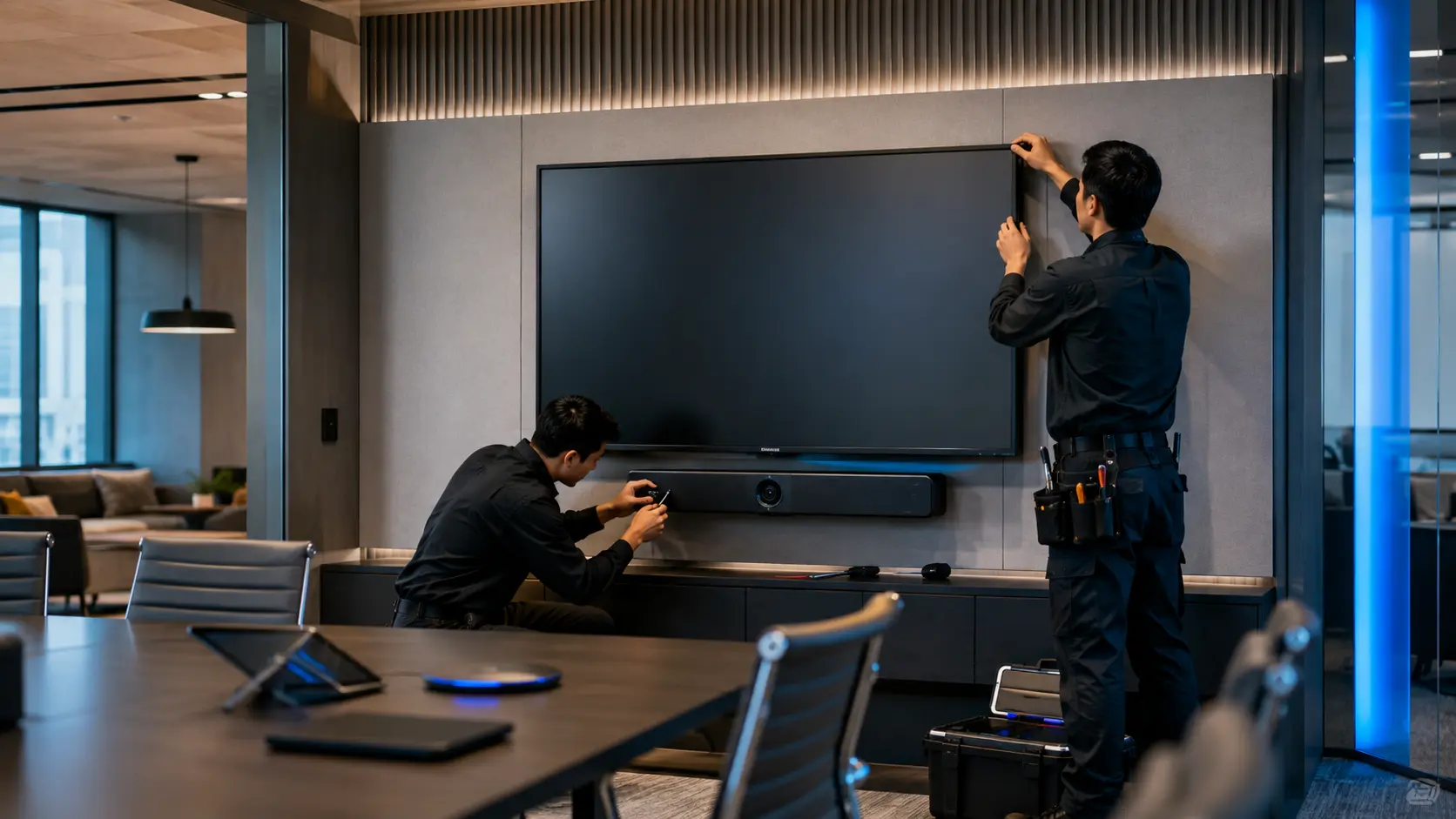
The delivered environment.
Lifecycle
Support after handover.
- Touch calibration and display checks
- Firmware and whiteboarding software updates
- Refresher enablement each academic cycle
Related solutions
Capabilities applied here.
More projects
Other delivered environments.
Start a conversation
Planning a new workplace, meeting room or collaboration environment?
Talk with PTNTI about your users, rooms, technology environment and project requirements.